
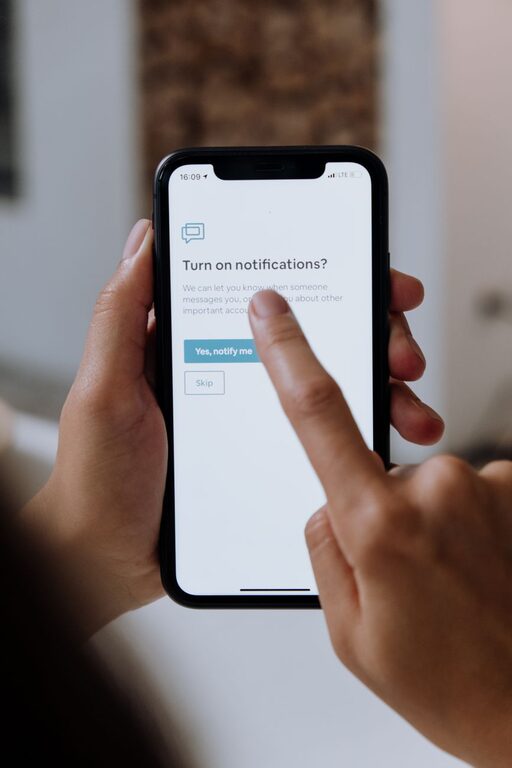
In today’s digital world, notifications are everywhere—on our phones, computers, tablets, and even smartwatches. While these alerts can keep us informed and connected, they can also become overwhelming and disruptive. Constant notifications can break concentration, increase stress, and make it difficult to enjoy uninterrupted time.
Setting boundaries with notifications helps regain control over your digital life. By managing when and how you receive alerts, you can improve focus, reduce distractions, and create a healthier balance between work, leisure, and rest. Here are practical tips to help you set boundaries with notifications effectively.
Why Setting Boundaries with Notifications Matters
Notifications are designed to catch your attention, often interrupting whatever you are doing. This can lead to:
– Reduced productivity due to frequent task-switching
– Increased stress and anxiety from information overload
– Difficulty relaxing or enjoying personal time
– Sleep disruptions from nighttime alerts
By establishing boundaries, you protect your time and mental space. It’s not about ignoring important messages but rather about choosing when and how you engage with them.
How to Set Boundaries with Notifications
1. Audit Your Notifications
Start by reviewing which apps and services send you notifications. Many times, we allow alerts from dozens of apps without considering their true importance.
– Go through your device’s notification settings.
– Identify apps that send frequent or unnecessary notifications.
– Decide which apps really need to notify you immediately and which can wait.
2. Prioritize Notifications
Not all notifications are created equal. Prioritize alerts based on urgency and relevance.
– Keep alerts from essential apps such as messaging, calendars, or work tools.
– Turn off or mute notifications from social media, games, or promotions.
– Use “Do Not Disturb” modes during focused work, meetings, or rest hours.
3. Customize Notification Settings
Most devices and apps offer options to customize notifications.
– Set notifications to silent or vibration mode instead of loud sounds.
– Enable banner notifications instead of pop-ups.
– Use priority settings to allow only important alerts during quiet times.
4. Schedule Specific Times to Check Notifications
Instead of reacting immediately to every alert, set dedicated times to review messages and updates.
– Check emails or messages at set intervals (e.g., every hour or two).
– Avoid keeping your phone or device within immediate reach all the time.
– Use scheduled “focus” periods where notifications are paused or hidden.
5. Use Technology to Your Advantage
Several tools and features can help manage notifications effectively.
– Use built-in “Focus” or “Do Not Disturb” modes on smartphones and computers.
– Install apps that batch notifications or summarize alerts at specific times.
– Use notification management features on social media platforms to reduce noise.
6. Communicate Your Preferences
Let friends, family, and colleagues know about your notification boundaries.
– Share your preferred times for responding to messages.
– Encourage them to use urgent labels only when necessary.
– Set expectations about response times during focused or off hours.
7. Regularly Review and Adjust Your Settings
Your needs and routines evolve, so revisit notification settings regularly.
– Disable alerts from apps you no longer use.
– Adjust notification priority based on current work or personal priorities.
– Experiment with different settings to find what works best for you.
Additional Tips for Managing Notification Overload
– Turn off notification previews to avoid distractions from message content.
– Limit notifications during sleep hours to ensure restful nights.
– Use visual cues instead of sounds if you prefer less intrusive notifications.
– Combine notifications where possible to reduce the number of alerts.
– Develop habits such as scheduled “digital detox” periods to unwind without device interruptions.
Conclusion
Notifications can be helpful, but without clear boundaries, they can quickly overwhelm and distract us. By auditing and prioritizing alerts, customizing settings, scheduling focused times for checking notifications, and communicating your preferences, you can take control of your digital environment.
Setting boundaries with notifications is a simple yet powerful way to improve your productivity, reduce stress, and create more meaningful time for yourself and your loved ones. Try these tips today and enjoy a quieter, more focused digital experience.